Concept artist
You have a creature or prop idea but no sketch yet.
Use a detailed text brief to explore silhouettes, materials, and style directions before committing to a final design.
Prompt to geometry
Describe an object, character, or scene and turn the idea into a useful 3D starting point. Modelai3d helps you move from a written brief to a model you can inspect and refine.
Workflow history
Text-driven modeling combines familiar prompt writing with increasingly capable geometry generation. The workflow is useful because each step keeps the idea easy to revise.
Artists begin using rules, parameters, and scripts to describe repeatable forms instead of shaping every surface manually.
Interactive sculpting tools make it easier to block out organic shapes, while polygon modeling remains central for controlled hard-surface work.
Machine learning improves image, language, and shape recognition, creating a bridge between a human brief and a visual result.
Generative systems start producing model concepts from prompts, giving designers a faster first pass for ideation, prototyping, and scene planning.
Input comparison
Both routes can produce a 3D starting point, but they preserve different kinds of information. Choose the input that best matches what you already have.
| Text prompt | Reference image | |
|---|---|---|
| Starting material | Words describing shape, style, parts, and use | A visual reference showing appearance and proportions |
| Best for | New concepts, variations, and imagined objects | Recreating a visible object or matching a known look |
| Control method | Add constraints, materials, dimensions, and exclusions | Provide clear angles, lighting, and uncluttered views |
| Geometry certainty | Approximate structure inferred from language | Structure inferred from visible surfaces and occlusion |
| Hidden surfaces | Must be invented or specified in the prompt | Usually missing unless additional views are supplied |
| Iteration style | Rewrite the brief and test alternate descriptions | Replace or improve the reference and adjust the target |
| Typical output | A concept model aligned to intent and style | A reconstruction influenced by the pictured form |
Visual checkpoint
A prompt communicates intent, but it does not show every surface, measurement, or assembly relationship. Treat the first output as a draft and inspect it before using it downstream.
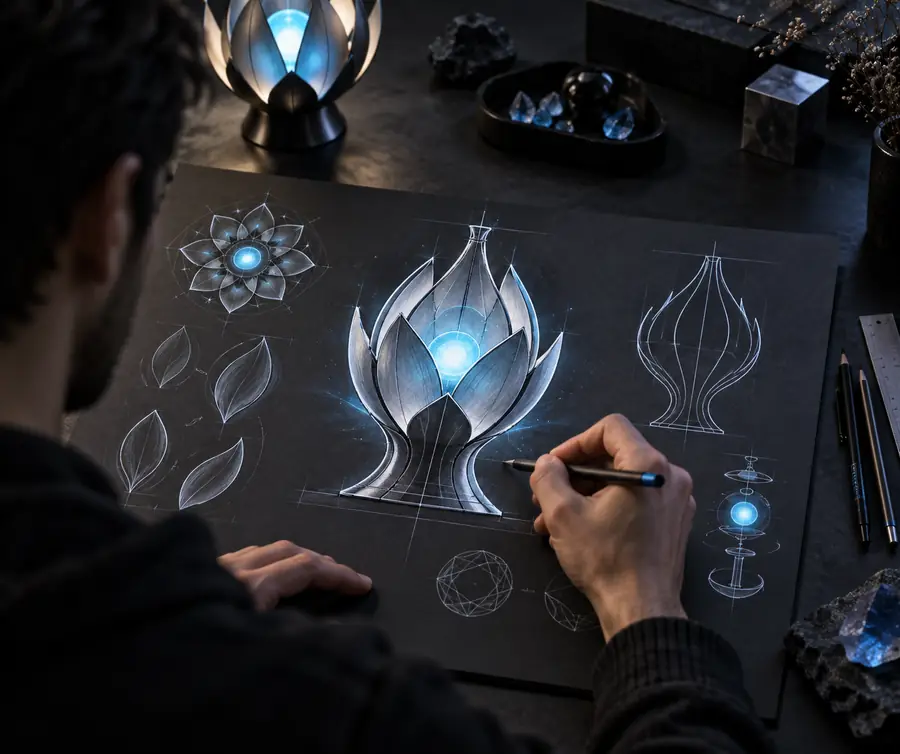

Illustrative before-and-after: the model adds geometry that the words only implied.
Prompt briefModel draftPractical starting points
A model ai 3d workflow is most helpful when the prompt matches the job. These examples show where text is strong and when a visual reference may be the better input.
You have a creature or prop idea but no sketch yet.
Use a detailed text brief to explore silhouettes, materials, and style directions before committing to a final design.
You need rough environmental assets for a blockout.
Describe the object’s role, scale, camera view, and visual language to create a consistent first-pass asset for the scene.
You want a tangible object concept from a plain-language brief.
State approximate dimensions, simple construction, and intended use, then inspect the output before preparing it for fabrication.
Keep exploring
Move between input types as your idea develops: start with language, add a reference image, or follow a guided model ai 3d workflow when you need more structure.
Quality check
A generated model is only useful when it matches the brief closely enough for your next step. Review it in this order before exporting, presenting, or rebuilding it.
Rotate the model and compare its overall outline with the prompt. Check the major proportions, number of parts, and distinctive features first.
Look for stretched faces, holes, floating pieces, sharp unwanted intersections, or details that appear on only one side.
Confirm that scale, openings, balance, and visible construction fit the planned scene, prototype, render, or fabrication workflow.
Variant FAQ
It is a generative workflow that interprets a written description and creates a 3D model concept from the stated features. The output is usually a starting point for review and refinement rather than a guaranteed production-ready asset.
Describe the subject first, then add shape, proportions, materials, surface details, style, and intended use. Clear constraints such as “single object,” “visible front and side,” or approximate dimensions can make a model ai 3d result easier to evaluate.
It can create a useful approximation, especially for recognizable forms and concept work, but text cannot show every hidden surface or exact measurement. Inspect the mesh and repeat the prompt with more precise constraints when accuracy matters.
It may be suitable as a starting point, but printing requires additional checks for watertight geometry, wall thickness, scale, supports, and manifold surfaces. Repair and validation should happen before sending the file to a printer.